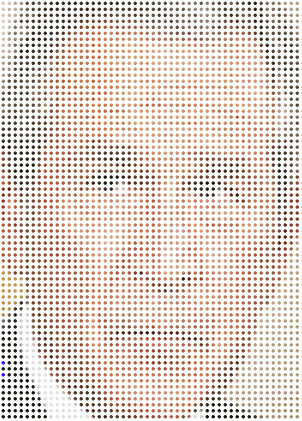
I first created a mask of 3500 dots with MS Paint. Then I found an image of Bush and resized it to the same proportions as the dots array. Then "pasted" the dots over the image (with the dot color - black - declared to be the background color, which means it's transparent while the non-dot white is opaque). Then a final reduction in size to 50%, with everybody's favorite app, Irfanview.
wow.
ReplyDeleteHow did you do that, Quiddity? In Photoshop? Filters>Color Halftone?
ReplyDeleteI first created a mask of 3500 dots with MS Paint. Then I found an image of Bush and resized it to the same proportions as the dots array. Then "pasted" the dots over the image (with the dot color - black - declared to be the background color, which means it's transparent while the non-dot white is opaque). Then a final reduction in size to 50%, with everybody's favorite app, Irfanview.
ReplyDelete